Core diagnostics
Choose a target, method, host, DNS record, and TCP port, then run a scan and review each measured step.
 NetPilot
NetPilot helps you run practical HTTP, DNS, TCP, TLS, and local device signal checks from a native iPhone and iPad console. Reports stay on the device and remain available when you are offline.
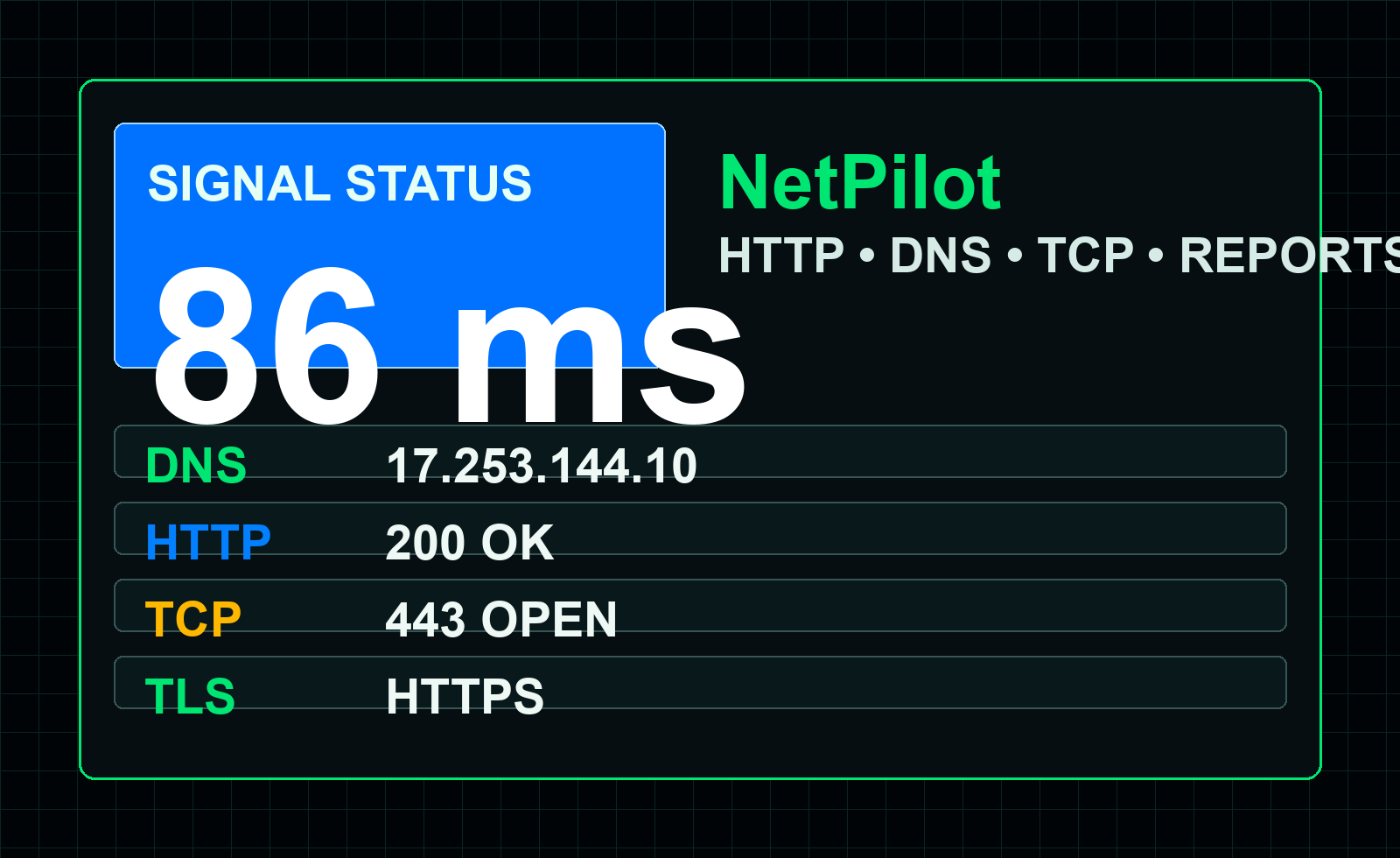
Choose a target, method, host, DNS record, and TCP port, then run a scan and review each measured step.
Keep recent sessions with diagnostic type, response timing, connection state, and practical recommendations.
Use compact tabs on iPhone and a rail plus inspector workbench on wide iPad screens.
Do I need an account?
No. NetPilot does not require account creation.
Can I use reports offline?
Saved diagnostic reports remain available on the device.
Can I reset the data?
Yes. Delete individual reports or clear report history from Settings.
If a target fails, verify the URL, host name, port, record type, and current network. Run the diagnostic again after changing Wi-Fi or cellular conditions.
Different diagnostic modes test different network layers, so compare the DNS, TCP, and web results when locating a failure.
NetPilot does not include ads, account login, cloud sync, or cross-app advertising tracking. Diagnostic reports are stored locally unless you choose to share information outside the app.